Guide
Published · 5 min read
Keep help center articles up to date
Find help-center articles affected by a product change, draft checkable corrections, review rollout timing, and verify the published result.
Published · 5 min read
Set up documentation review, previews, useful checks, and release ownership with a practical workflow for a small product team.
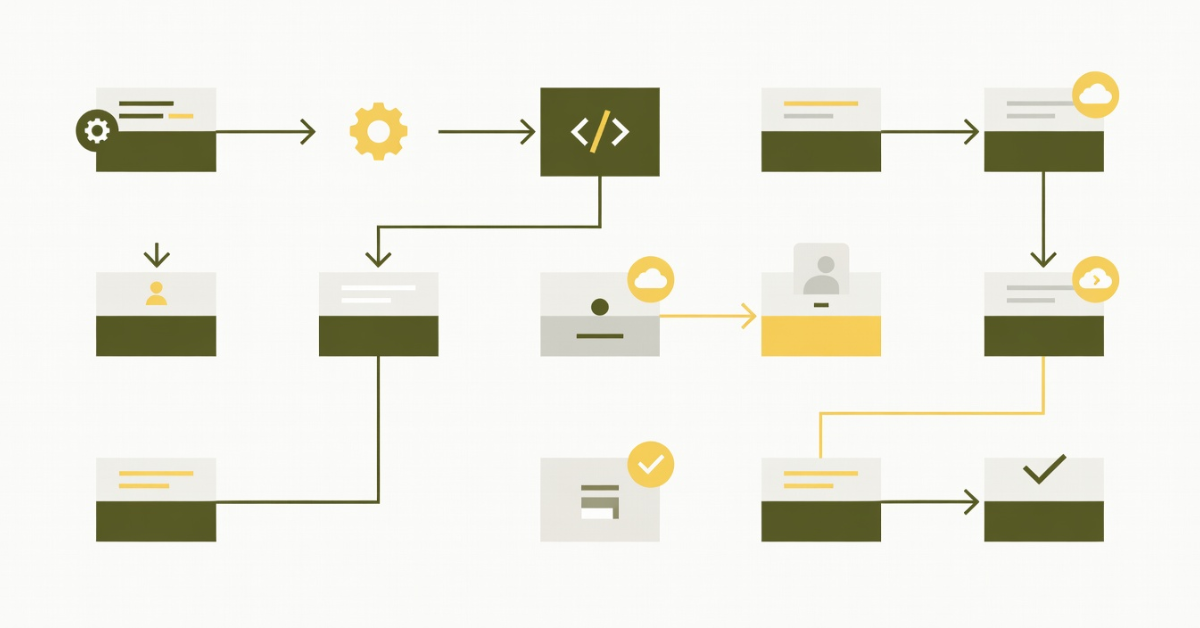
A startup can review an API change carefully and still ship the wrong quickstart. The code has an owner, a pull request, and a release check. The guide may have none of those.
A docs-as-code workflow gives documentation the same visible path from draft to release. Start with one reader task, such as creating an API key and sending a first request. Put that guide through the workflow before expanding it to the whole site.
Choose a repository and a plain-text format your renderer supports. Markdown handles ordinary prose and fenced code. MDX also supports components, which makes the site's build setup part of the content's portability.
For a small product, keep the quickstart near the code it describes if the same people own both. A separate docs repository can work when several services share a public site. In that case, link the implementation PR and the docs PR so reviewers can follow the change across repositories.
Document the local preview command in the README. A new teammate should be able to clone the repository, install the pinned dependencies, and see the same page that CI will publish.
Suppose your API replaces a token field with api_key. The implementation diff is small, but the reader may encounter the old field in a setup guide, an environment-variable example, and an error message explanation.
Add a short documentation section to the PR template:
## Documentation
- Affected reader task:
- Pages changed or linked docs PR:
- Example checked against:
- Documentation reviewer:
A change that has no public effect can say so and explain why. That explanation gives the reviewer something to challenge. A checkbox on its own provides little evidence.
Review the example as a sequence. Start with a fresh account or test fixture, run the commands in order, and check the expected response. Use clearly fake credentials and redact identifiers from screenshots. Never copy a working production token into a guide.
Diffs show wording changes. A preview shows broken code tabs, clipped screenshots, and navigation links that lead to the wrong page. Include a preview URL with the docs PR and check it on a narrow screen.
Use a preview environment with the same renderer and dependency versions as production. Keep secrets and private documentation out of public preview builds. Where access controls matter, test the preview as a signed-out reader as well as an editor.
The Write the Docs guide describes the underlying practices: version control, review, and automated checks. The process can stay small. One author and one reviewer are enough to establish responsibility.
Start by failing the build on invalid source and broken internal links. Add a prose linter only after the team agrees on useful rules; otherwise reviewers spend their time discussing exceptions.
For executable examples, test the behavior that readers rely on. A request example can run against a local test service and assert its response shape. Pin an example's API version when the instructions depend on it. Commands that create resources should explain how to remove them afterward.
External link checks need a separate failure policy. A temporary rate limit from a vendor should not look like a broken route in your own site. Run those checks on a schedule or report them for review rather than making every transient failure block a release.
Write down which branch deploys the public site and who can approve a change. For a feature released later than its implementation merge, keep the docs unpublished until readers can use the behavior described.
A simple release checklist can name the feature owner, the guide, the preview, and the publication condition. Verify the live URL after deployment. A green build does not prove that a redirect or domain configuration is correct.
When support finds a misleading instruction, open an issue with the URL, the failed step, and the observed behavior. That is much easier to act on than a general request to improve the docs.
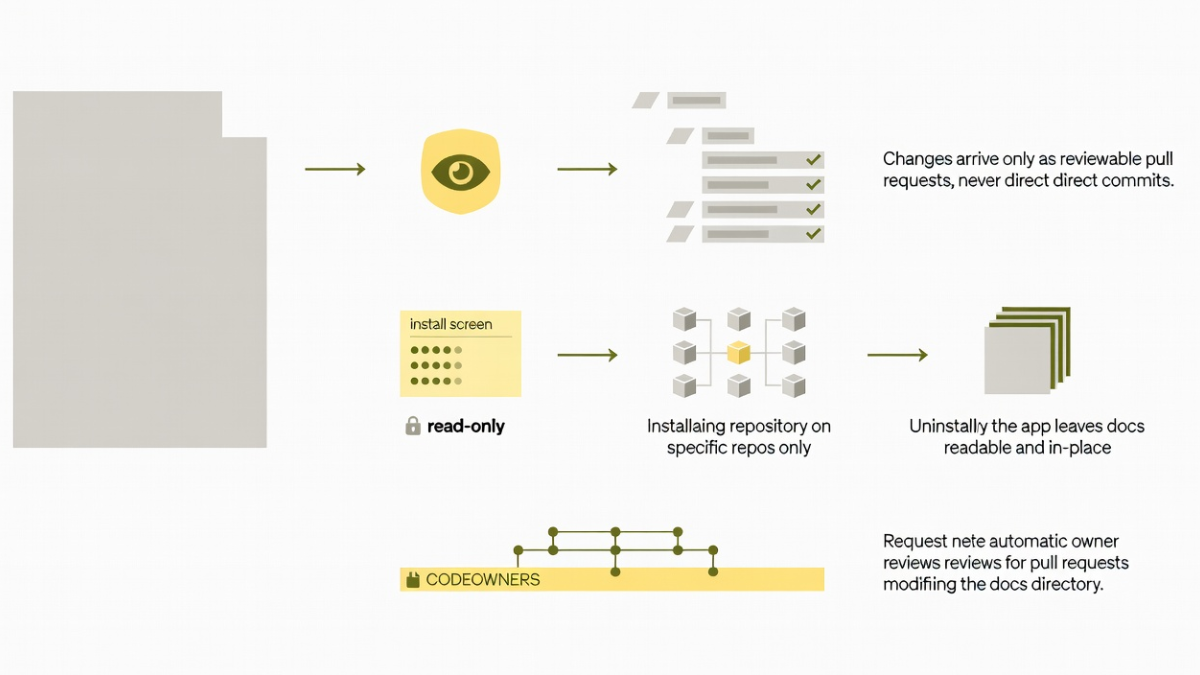
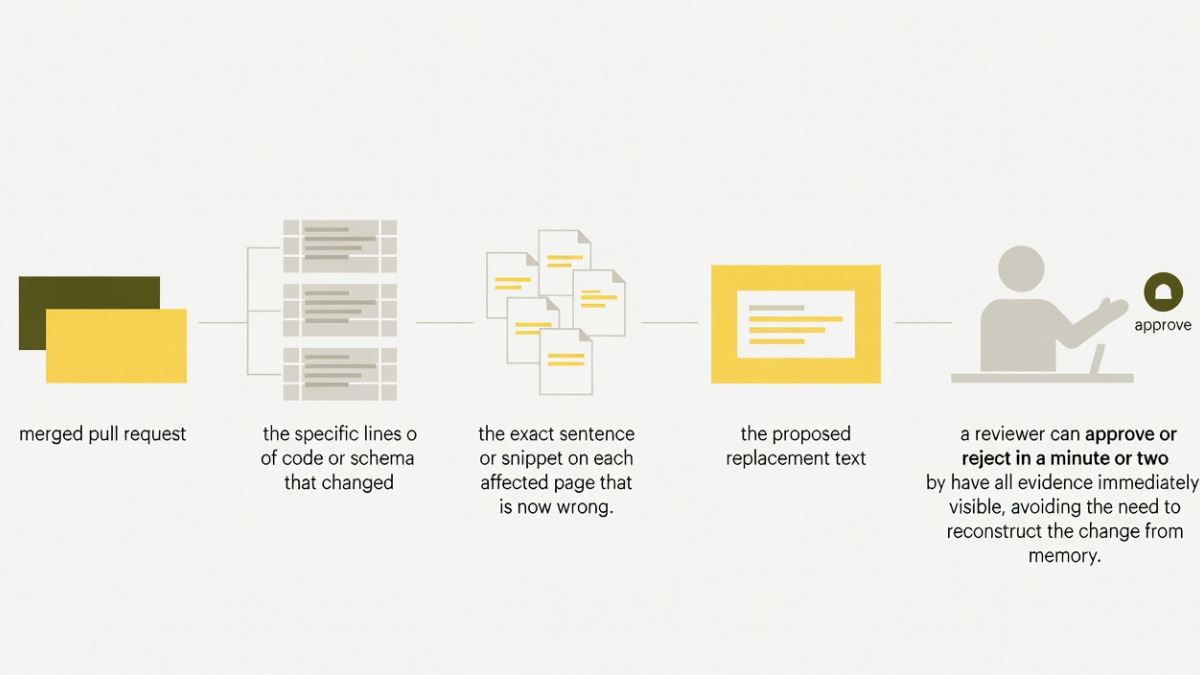
Review merged product changes for documentation impact. Thally Track can assist with that analysis, but a finding needs an owner who can judge whether the published behavior changed. Its public read-only preview is an analysis path; it does not grant permission to write changes to your repository. See keeping docs in sync with code for a closer look at this review step.
Begin with the quickstart and one release. Assign its reviewer, publish a tested example, and use the next support question to improve it. Expand the checks when you find a repeated failure they can catch.
Published under the Thally editorial policy. Technical conformance is defined in the agent-readiness methodology.
Create a managed site, or use the open-source engine to run Thally yourself.